
Avoid specific roads or road segments
Problem
In rural and off-road areas, map data is not always accurate or up to date. It's quite common to encounter trails that are not suitable for motorcycles, roads that are no longer accessible, or private property that shouldn't be crossed.
Currently, when planning a route, there is no straightforward way to tell the routing engine to avoid a specific road that I already know is unsuitable. This can result in routes that look perfectly valid on the map but turn out to be impassable or inaccessible in practice.
This is a feature I used extensively in OsmAnd and one I really miss in DMD2.
Proposed solution
Allow users to mark a specific road or road segment on the map as Avoid this road.
Once marked, that road should be excluded from route calculation, both when manually planning a route and when automatically calculating or recalculating a route during navigation.
The exclusion should be persistent, so users don't have to mark the same road every time they plan a new route. They should also be able to view, manage and remove previously excluded roads.
Expected behavior
For example, if a calculated route crosses a trail that I know is private or unsuitable for motorcycles, I should be able to mark that section as one to avoid. DMD2 should then calculate an alternative route using the most suitable available connection, based on the selected routing profile.
The goal is not simply to report incorrect map data, but to let users apply their own local knowledge to route planning, even when the underlying map has not been updated.
This would be particularly useful for off-road riding, where local access restrictions and outdated trail information can make a significant difference to the actual ride.
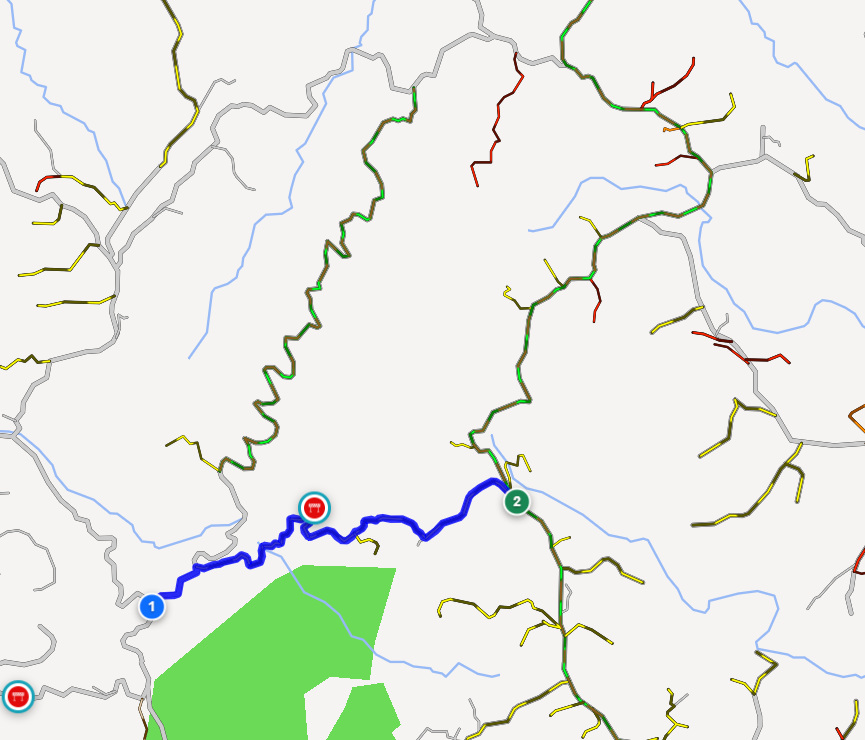
hola! muchas gracias por tomar en cuenta la recomendación!!
Veo que está marcada como "liberada", pero en el Planner no encuentro la manera de marcar un camino como prohibido o a evitar, me podrían dar alguna guía sobre su uso? Muchas gracias nuevamente