
Resize (and position) map overlays by direct input of size (and coordinates)
Submitted by vlad / miro • #484 • Sep 28, 2026 • updated Oct 21, 2026
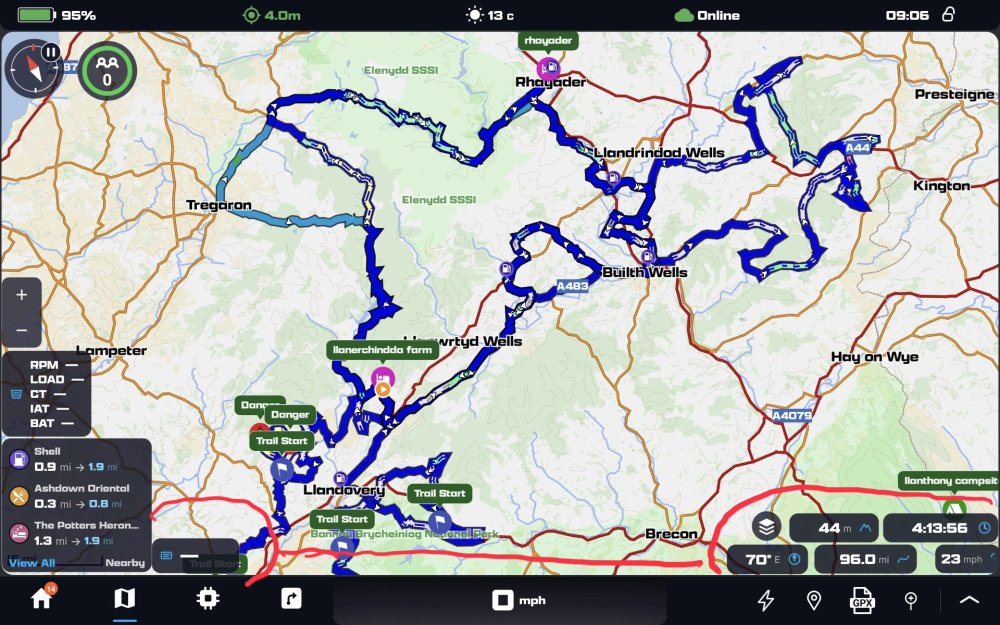
It can be very tricky to resize map overlays by dragging from the corner, as the overlays can be small. It is nearly impossible to make overlays the same height and length (less important). Also aligned placement can be tricky (but less than size). I suggest adding to the existing dialogs the option to key in size (and possibly position) as a number of pixels.
Discussion (1)
0
Vote
DMD2 4.039 adds Snap to Grid in Position Elements (the button left of Auto Arrange): position and size snap to a grid, so equal sizes and neat alignment are easy. There is no typed-in size; snapping is how we solved it.