 dmd docs

Why am i getting a "Restricted Setting" warning?
When DMD2 asks for the notification access permission, sometimes it can happen that you get a warning about it being a "restricted setting".
This is something you can easily solve by manually providing the "Allow restricted settings" permission.
This is done in Android Settings > Apps > Tap on DMD2 > Tap on "Force Close" > Tap on the 3 dots in the top right corner and select "Allow restricted settings".
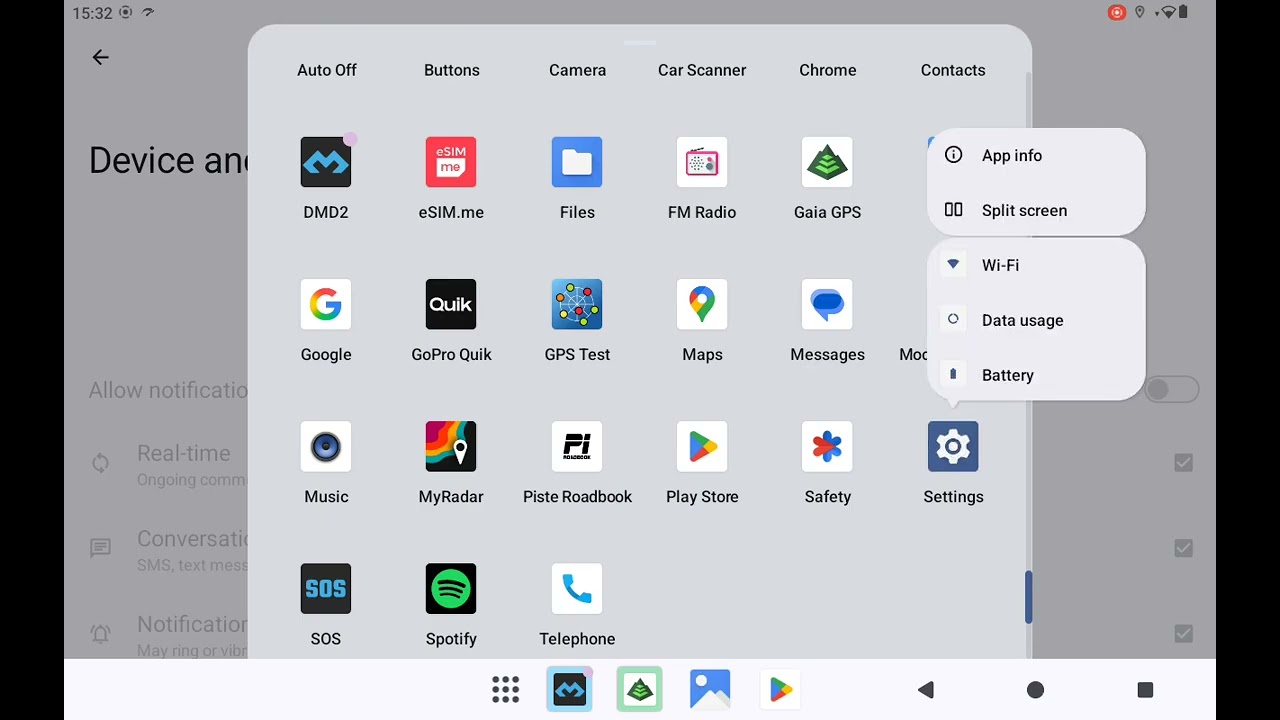
In the video you can check step by step how to enabled restricted settings for DMD2.
Back to FAQs