 dmd docs

How do i export a recorded GPX file?
To export a GPX file recorded with DMD2 you just need to use the Recordings List interface:
Tap the GPX button in the map view
Tap "Recorder" in the bottom of the GPX Manager dialog
Tap "Recordings" in the bottom of the GPX Recorder dialog
Tap on the file you want to export
Tap the "Share" or "Export" (depending on the language).
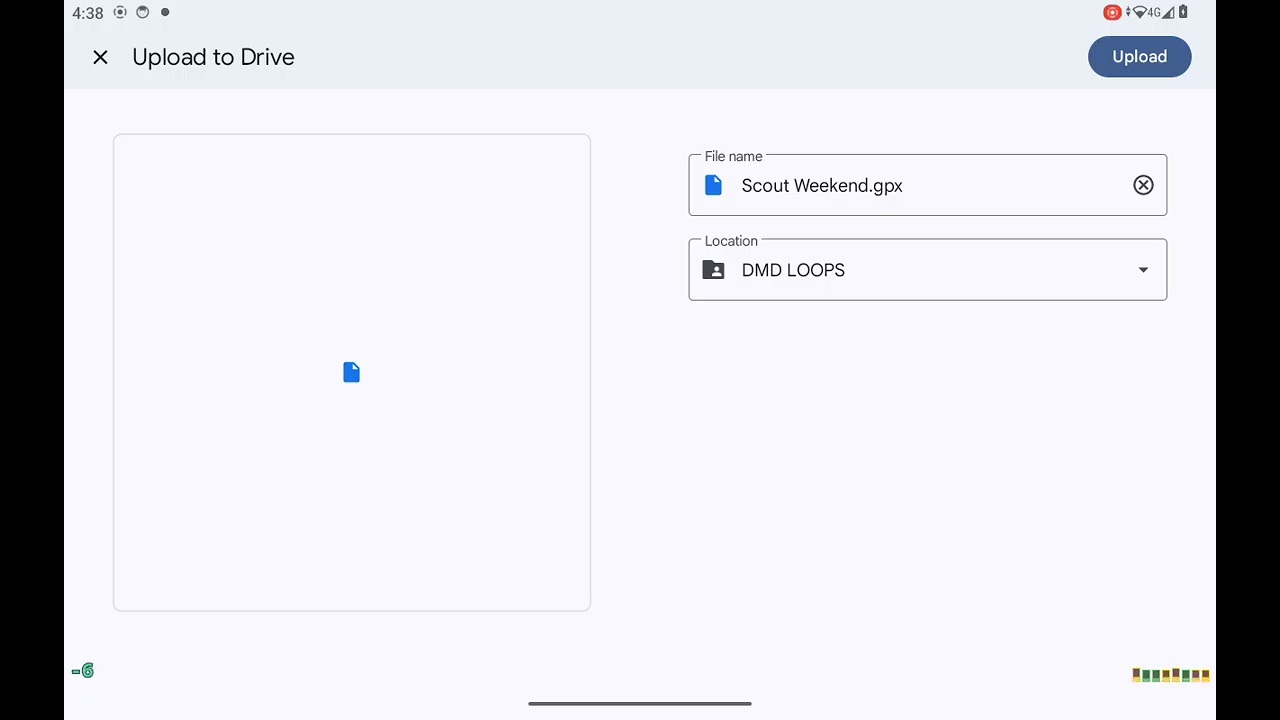
Select the destination to export to.
We usually export to something like Google drive because it provides easy cloud storage with access on any device.
In the video you can see the complete steps to export a recorded GPX file to Google Drive
Back to FAQs